
ANIMATE AN AUTHORIZED STILL
NSFW image to video: an NSFW AI image to video workflow
NSFW image to video turns an authorized adult still into a moving shot. Describe one movement, then inspect subject and composition changes. The reviewed workspace defaults to Wan 3.0 Spicy; detail preservation is not guaranteed.
Maintained by Wan Spicy · Last reviewed:

NSFW image to video workflow: check the starting frame
Start with a single, readable focal point. A face partly hidden by hair, fingers crossing a garment edge, or a reflection behind the subject gives you more details to inspect after generation.
Before uploading, write down three things that must remain recognizable. For an editorial portrait, these might be the face, the jacket outline and the position of a window. This becomes your review checklist.
Start by checking what the image actually gives the model: one clearly adult subject, a readable pose, visible limbs, and enough space for the requested movement. A busy crop, hidden hands or conflicting body positions can make a short clip harder to judge. This is a preparation check, not a promise that a particular source will preserve every feature.
Keep the uncropped authorized source available so a later reviewer can distinguish source limitations from changes introduced during motion.
If the source needs a new composition or a bounded change, use the spicy AI image generator guide before making it move.
Check the adult image permissions before uploading a real person or third-party source.
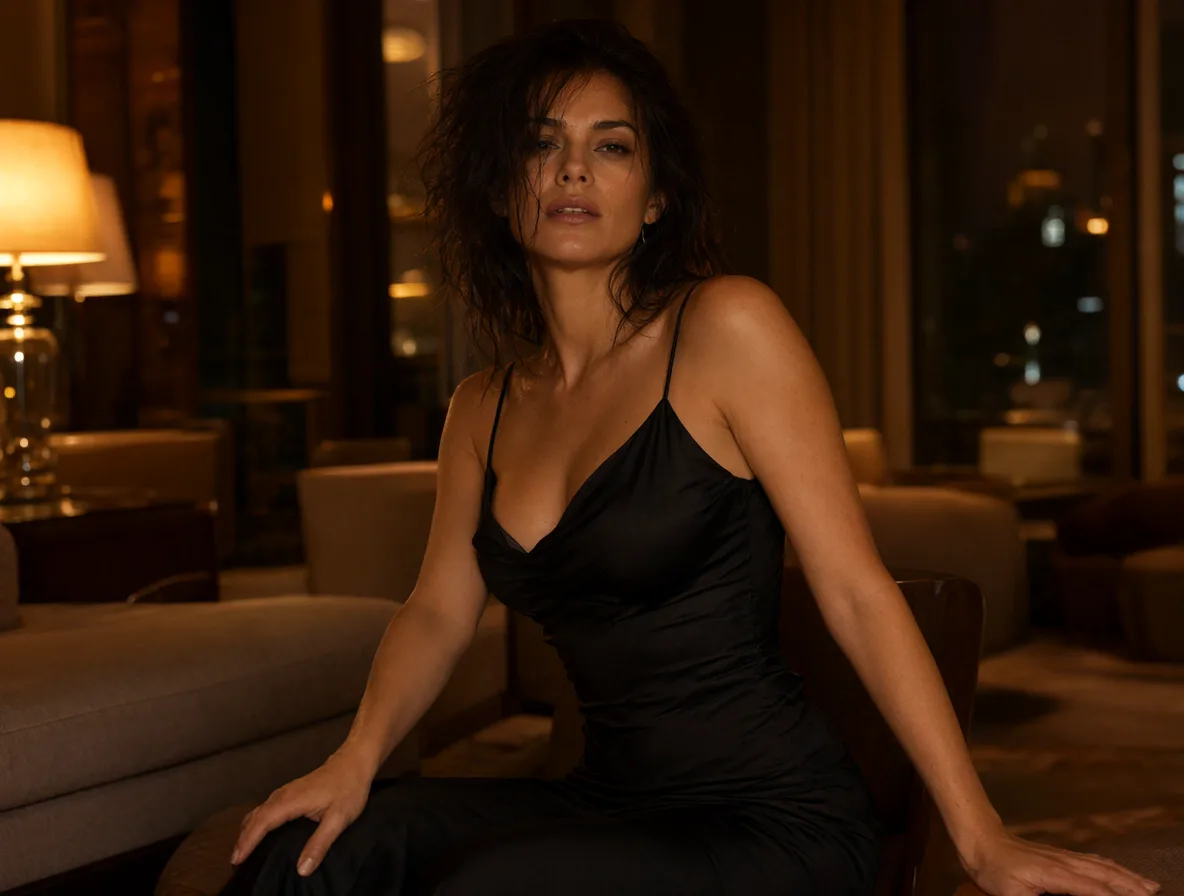
Write motion around the existing frame
Describe movement rather than rewriting everything in the photograph. Try: “Keep the seated pose and room arrangement. The subject turns slightly toward the window as the camera advances slowly.”
Choose one camera instruction. Asking for a push-in, orbit and handheld pan together makes it harder to decide which instruction caused an unwanted change. Start with the smallest movement that communicates your idea.
Write the motion brief as a small shot rather than a list of unrelated events. Name the subject action, add one camera instruction, identify the details that should remain stable, and state how the shot should end. That structure makes the result easier to inspect and gives the next revision one clear variable to change.
Use the Wan video prompts to separate the action from the camera instruction.
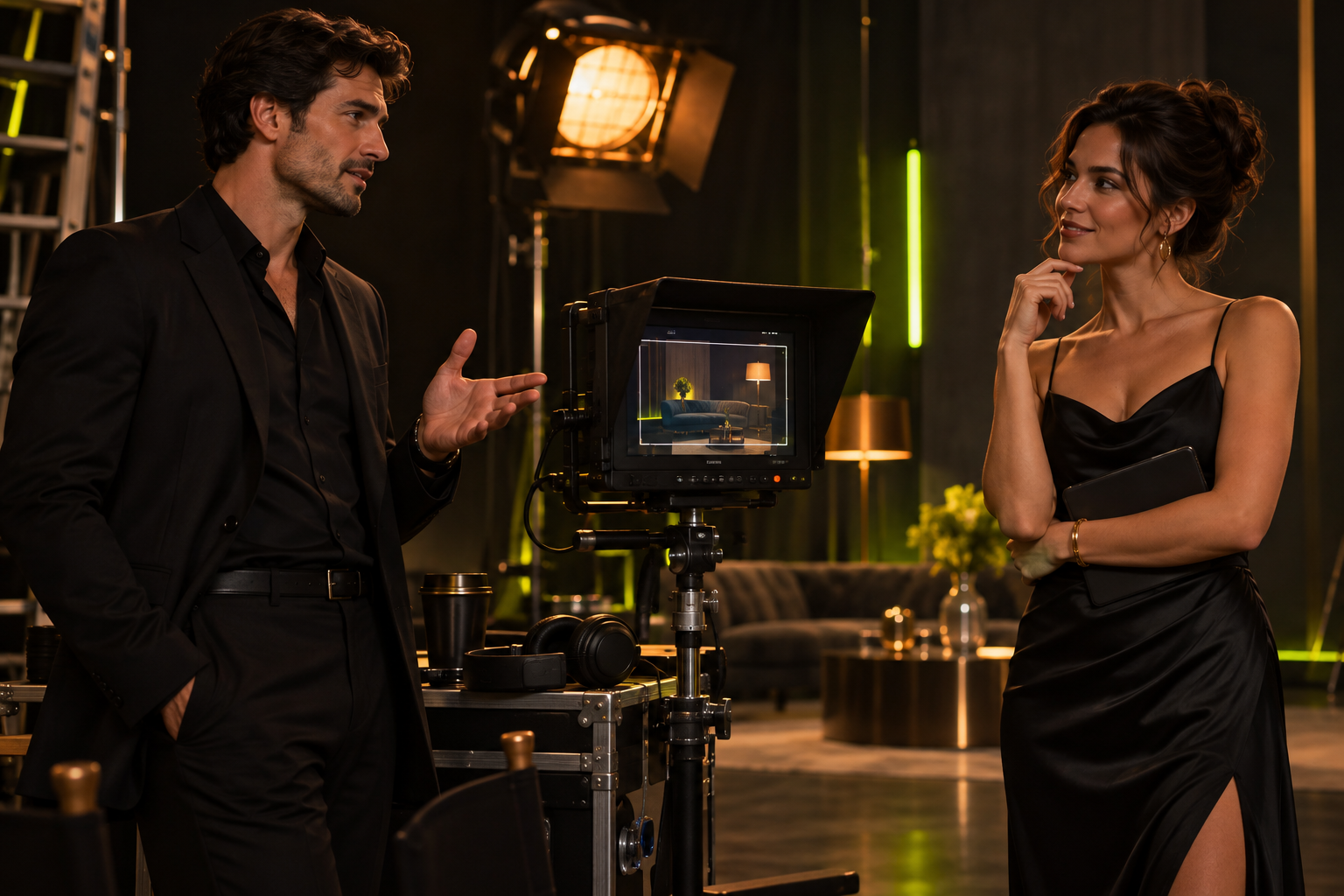
Check continuity at the beginning, middle and end
Inspect three points in the clip: its opening, the moment of greatest movement and the final frame. Compare them with the source for identity drift, edge deformation and objects appearing or disappearing.
If the ending breaks while the opening works, shorten the action or simplify the camera move on your next attempt. A longer duration is not automatically a better result. Keep the rejected attempt in your notes so the revision has a reason.
Review more than the opening frame. Check the face and body at the strongest movement, look for abrupt background changes, and inspect the final pose for continuity. If the result fails one of those checks, record the exact moment and revise the instruction that most directly affects it instead of replacing the whole prompt.
Keep your review beside the generation evidence record so a simulated test is not mistaken for provider-quality proof.
Use the Wan 3.0 Spicy guide to identify the duration and resolution settings recorded with a continuity test.
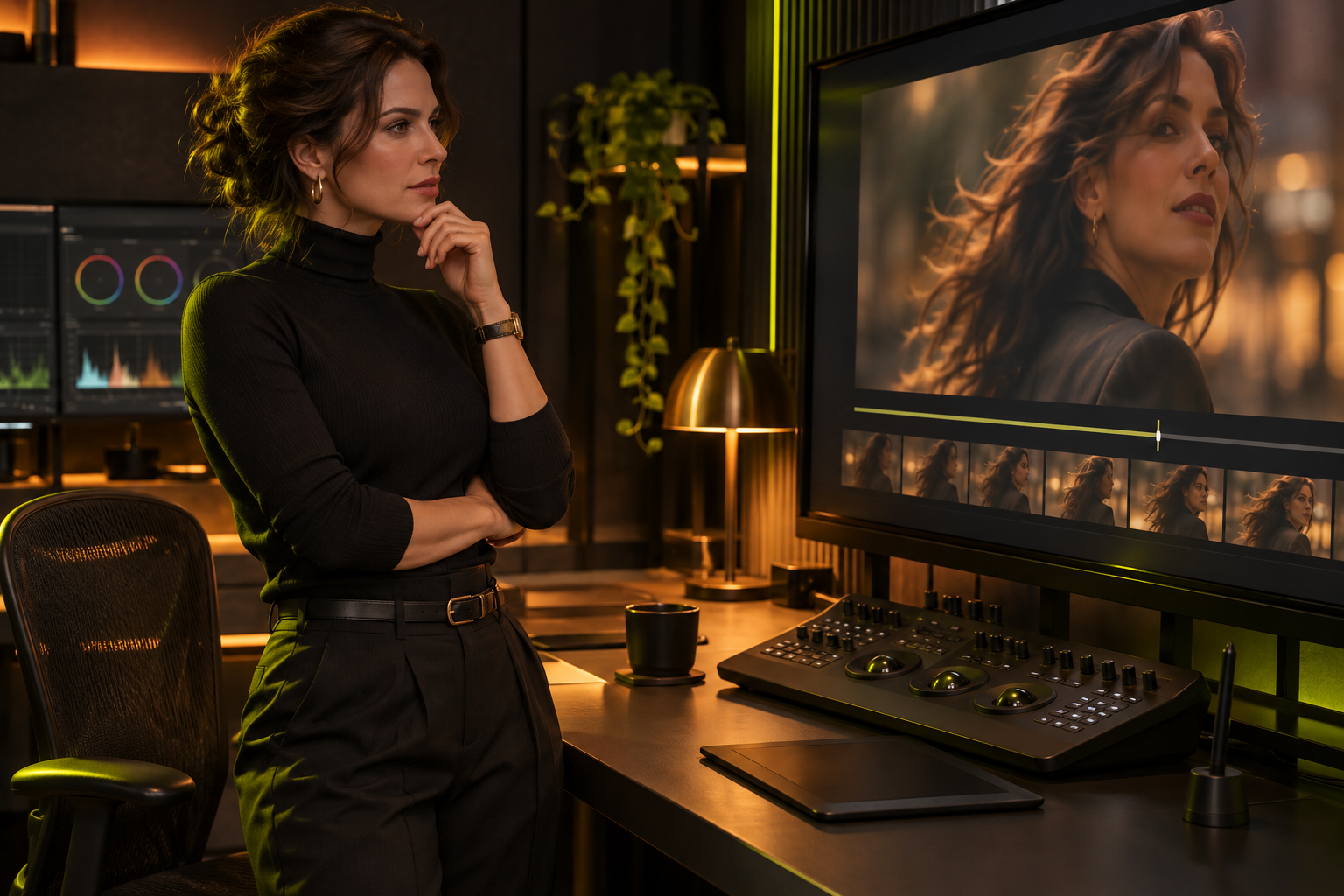
When a still image is the wrong starting point
A source image fixes the initial composition. If you want the model to establish that composition from a written scene instead, use the text-to-video task in Studio.
Choose the input before writing the motion brief. Continuing an existing clip is a separate capability; Wan Spicy does not currently offer video extension.
A useful comparison keeps the authorized source, duration, resolution and motion brief fixed. Record the selected model, attempt count and why each clip was accepted or rejected. Without those controls, a favorite output is a personal choice rather than evidence that one model is generally better for every adult image-to-video task.
Keep the original file and a short review note for each attempt, but avoid storing or sharing more sensitive material than the project requires. Download accepted clips before their applicable retention deadline. If the result is technically complete but creatively weak, treat the next step as prompt revision; if the task records a service failure, preserve the task ID for the separate recovery process.
The source image also sets practical framing constraints. A close crop leaves less room for large movement, while a wide frame can make subtle facial action harder to see. Choose the source and review criteria together so the intended motion can be judged at the selected resolution.
If several people appear in the source, the motion brief should identify the intended subject and the review should check every clearly visible person. Do not assume that a model will preserve the same relationship, consent context or identity throughout the clip merely because the first frame is acceptable.
Return to Wan Spicy for the platform overview and its Studio entry; choose your input inside the workspace.
QUESTIONS, ANSWERED
Frequently asked questions
Should the prompt describe every detail in my image?
Focus on movement and the details that must remain stable. Re-describing the entire source can introduce unnecessary changes.
Can I use a photo I found online?
Online visibility does not establish permission. You need the rights and adult consent required for the source and intended use.
Is a longer video the same as extending a clip?
No. Choosing a duration creates a new output; video extension requires a workflow that accepts and continues existing footage.
What image does the reviewed Wan 3.0 Spicy workflow accept?
The local entry checked on 10 November 2026 accepts one JPEG, PNG or WebP image up to 20 MiB. Use a source with a readable subject and space for the intended movement; actual availability and upload limits follow the selected Studio entry.
Can I force the output to keep my exact image crop?
The reviewed Wan 3.0 Spicy image task has no separate aspect-ratio selector. A source establishes composition, but model-default framing does not guarantee an unchanged crop. Inspect headroom and the frame edges in the result.
How should I revise a clip whose face or background changes?
First identify where the unwanted change begins. Reduce a complex movement or camera instruction, retain the relevant preservation clause and change one variable at a time. This is a review method, not a proven fix or a success guarantee.