
PROMPT EXAMPLES
Wan video prompts: write a Wan image to video prompt
Write Wan video prompts as four editable instructions: the scene, one subject action, one camera behavior and an ending. For image-to-video, describe what should move and what should remain from the source; for text-to-video, establish the initial scene too. The examples below are planning aids rather than measured model results.
Maintained by Wan Spicy · Last reviewed:
These are original planning examples, not tested model outputs or guaranteed prompt recipes. No quality benchmark is implied.
Wan video prompts: four parts of a shot instruction
Use four editable parts: subject and scene, subject action, camera behavior, and ending. A revision becomes easier when you can identify which part failed.
Keep one primary action. “Turns toward the window, then holds the gaze” gives you a visible pass condition. A string of atmosphere adjectives does not explain what should happen over time.
A practical prompt begins with the visible action, not a long style preamble. State who moves, what changes and which part of the source should remain recognizable. The first sentence should be specific enough that a reviewer can later decide whether the requested movement actually happened.
Write the review criterion beside the prompt before generating. This keeps a polished but off-brief clip from becoming the default winner simply because it looks attractive.
Return to Wan Spicy for the platform overview and enter Studio before choosing your generation task.
Check Wan Spicy models before applying the shot brief so the selected task matches the intended input.
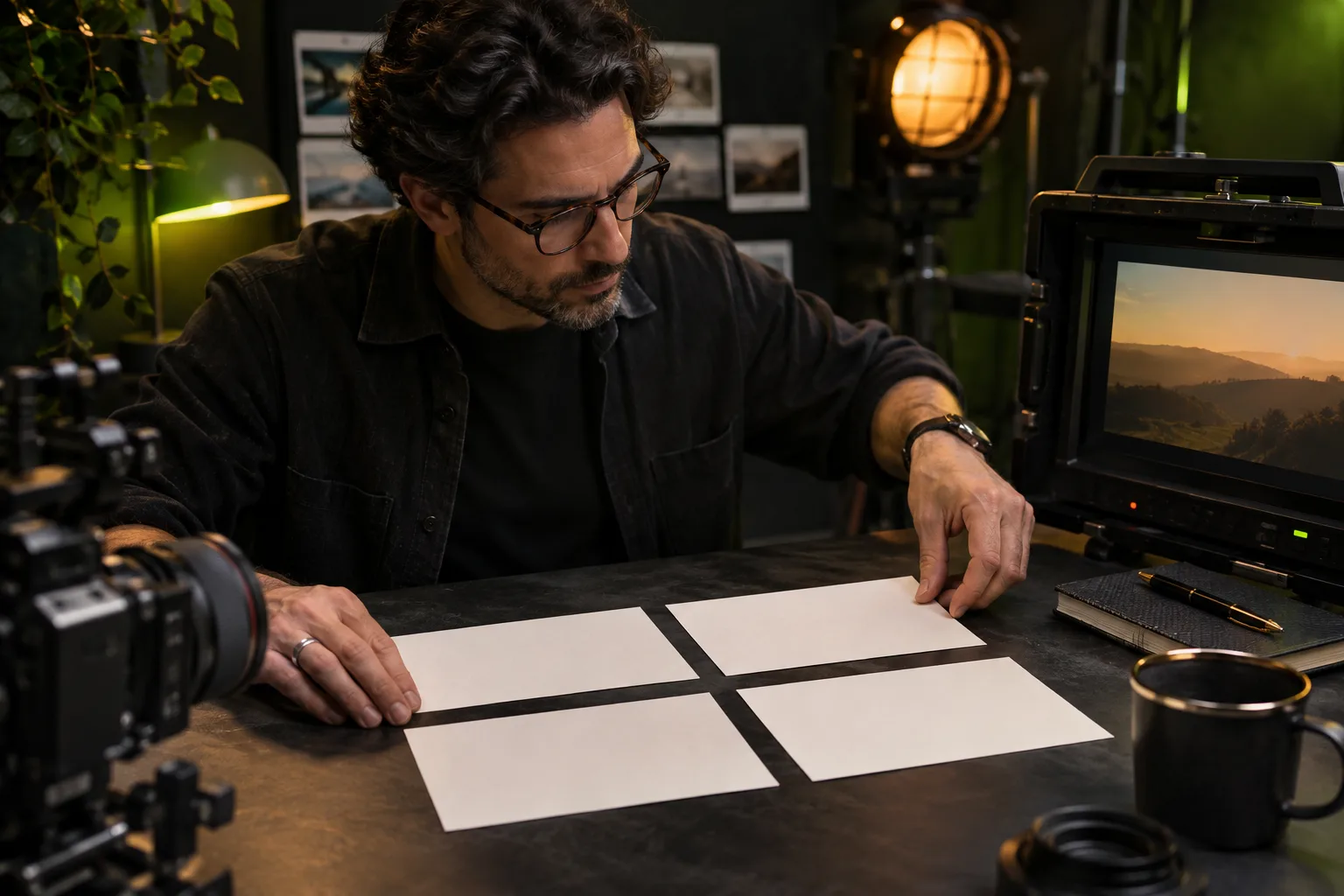
Wan image to video prompt: preserve the visible scene
Example: “Preserve the seated pose, dark jacket and window arrangement. The subject slowly turns toward the light. Keep the camera locked. Finish with a brief still hold.”
The preservation clause comes from what is actually visible in the uploaded image. Remove details that are not in your source rather than forcing a generic template onto every portrait.
Add camera direction only when it supports the action. A slow push-in, restrained pan or locked frame is easier to evaluate than several competing camera moves. If framing is critical, describe the final composition as well as the motion so the ending has an explicit review point.
Pair your motion instruction with the NSFW image to video source guide so a source issue is not confused with a prompt issue.
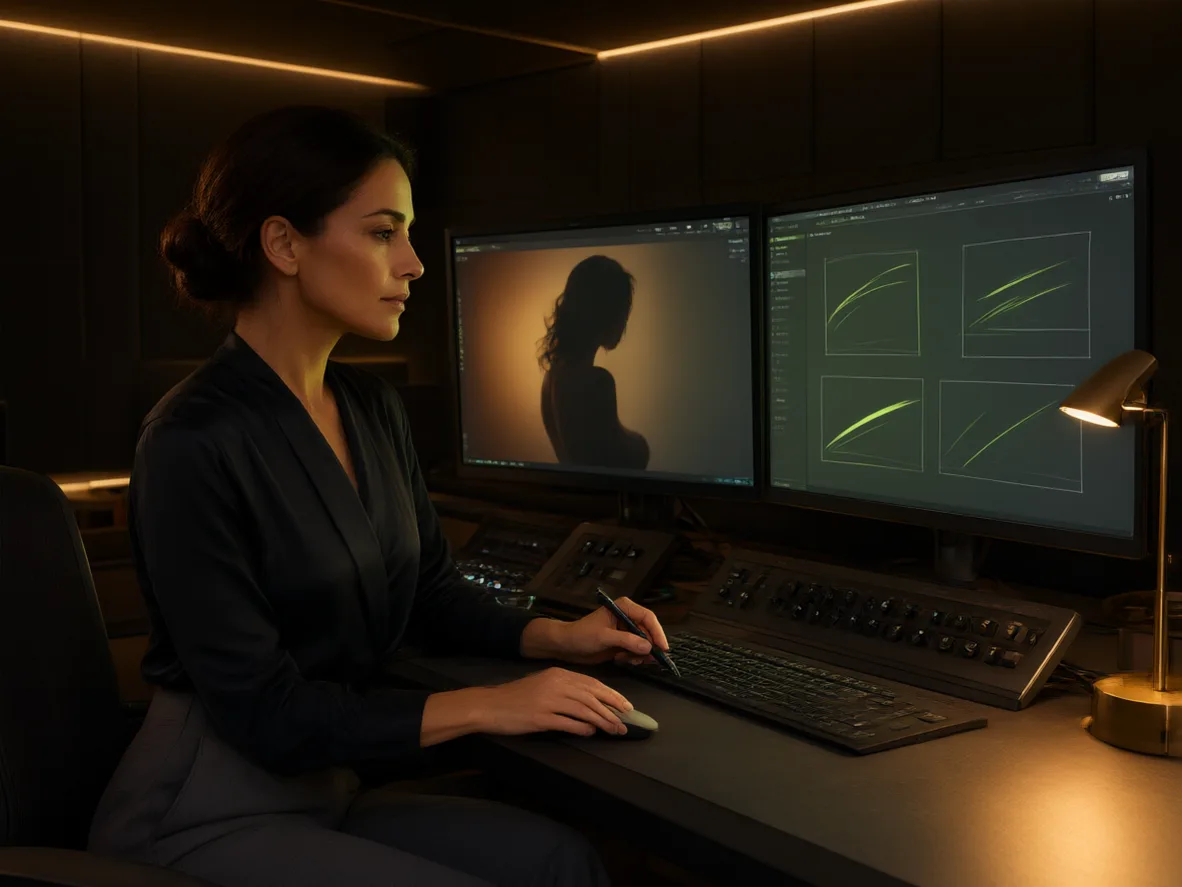
Text-to-video prompt: establish the scene first
Example: “An adult fashion model in a charcoal coat stands in a quiet studio beside a tall window. A gentle breeze moves the coat hem. The camera makes a slow, short push-in and settles at a medium portrait.”
Unlike the image prompt, this brief establishes the setting and composition. If the initial framing is wrong, revise that clause before changing motion, duration and camera direction simultaneously.
Continuity instructions should name a small number of visible anchors: identity, outfit, lighting direction or a distinctive background object. They reduce ambiguity but do not guarantee exact preservation. Review the whole clip because a stable opening can still drift during the strongest movement.
Inspect the Wan 2.7 Spicy guide for the locally observed text and image task choices.
Review failures one variable at a time
Review the result against the four parts. Was the scene established, did the action read, was the camera direction followed, and did the ending settle? Mark the first failure you would change.
Save a short revision note such as “remove camera movement; retain subject turn.” This creates a usable experiment history even when a generation is rejected.
Revise one variable at a time. If the action is weak, strengthen the action verb; if the camera overwhelms the subject, simplify the camera instruction; if the ending drifts, specify the final pose. Record the accepted wording with its model and settings rather than presenting it as a universal prompt for every source.
When a prompt is shared publicly, label whether it is a planning example, a tested input or the wording behind a published result. A prompt alone does not prove model quality, and the same text can behave differently with a new source, duration, resolution or provider implementation.
For adult scenes, describe consensual adult context without relying on ambiguous age cues. Do not use prompt wording to evade content controls or to convert an unauthorized real-person source into an acceptable request. Rights and consent apply to the source, requested change and intended use.
A prompt library is most useful when examples are grouped by purpose: subject motion, camera movement, continuity, pacing and ending. Copy only the parts that apply to the current source. Long combinations of unrelated examples make it harder to diagnose which instruction produced an unwanted change.
Keep a short rejected-version note as well as the accepted prompt. It can identify common failures such as excessive camera movement, a weak action verb, an unstable final frame or too many simultaneous events. This is more actionable than describing the final wording as magic or guaranteed.
Keep the source frame beside every prompt version. A wording change cannot be interpreted fairly if the crop, subject pose or visual reference also changed between attempts.
When sharing an example, state the input type, model, duration and resolution near the prompt. Those facts help another creator adapt the structure without mistaking one result for a universal recipe.
Keep observations in generation notes rather than treating a written example as an already tested result.
QUESTIONS, ANSWERED
Frequently asked questions
Are these prompts tested guarantees?
No. They are original planning examples. Output quality has not been established through a controlled benchmark on this page.
Should text-to-video and image-to-video use the same prompt?
They can share a motion instruction, but text-to-video also needs to establish a scene that an uploaded image would otherwise provide.
What should I change after an unsuccessful attempt?
Identify the first failed requirement and revise one related clause. Keep the remaining inputs stable so the next result is easier to interpret.
Can I reuse one image-to-video prompt for every photo?
Reuse the structure rather than every source detail. Write preservation clauses from what is actually visible in each authorized image, and remove objects, poses or camera assumptions that do not belong to that source.
Should I add a separate negative prompt?
Only use a separate negative-prompt field when the selected task actually exposes it. The reviewed Wan 3.0 Spicy entry does not expose that field. Clear positive action and preservation instructions do not require inventing an unsupported parameter.
Should I always enable prompt enhancement?
No universal improvement has been demonstrated here. The reviewed Wan 3.0 Spicy entry defaults it off. If you test it, keep the source, written prompt and other settings stable and record the toggle rather than attributing every change to a better prompt.