
STILL-IMAGE CREATION/EDITING
Spicy AI image generator for NSFW image creation
A spicy AI image generator creates a new still from text or edits a supplied image; these are separate tasks. Use text-to-image when the composition has not been chosen, or image-to-image when you can name the change and the details to retain. Wan Spicy exposes both in its reviewed local workspace; a still-image result is not a generated video.
Maintained by Wan Spicy · Last reviewed:
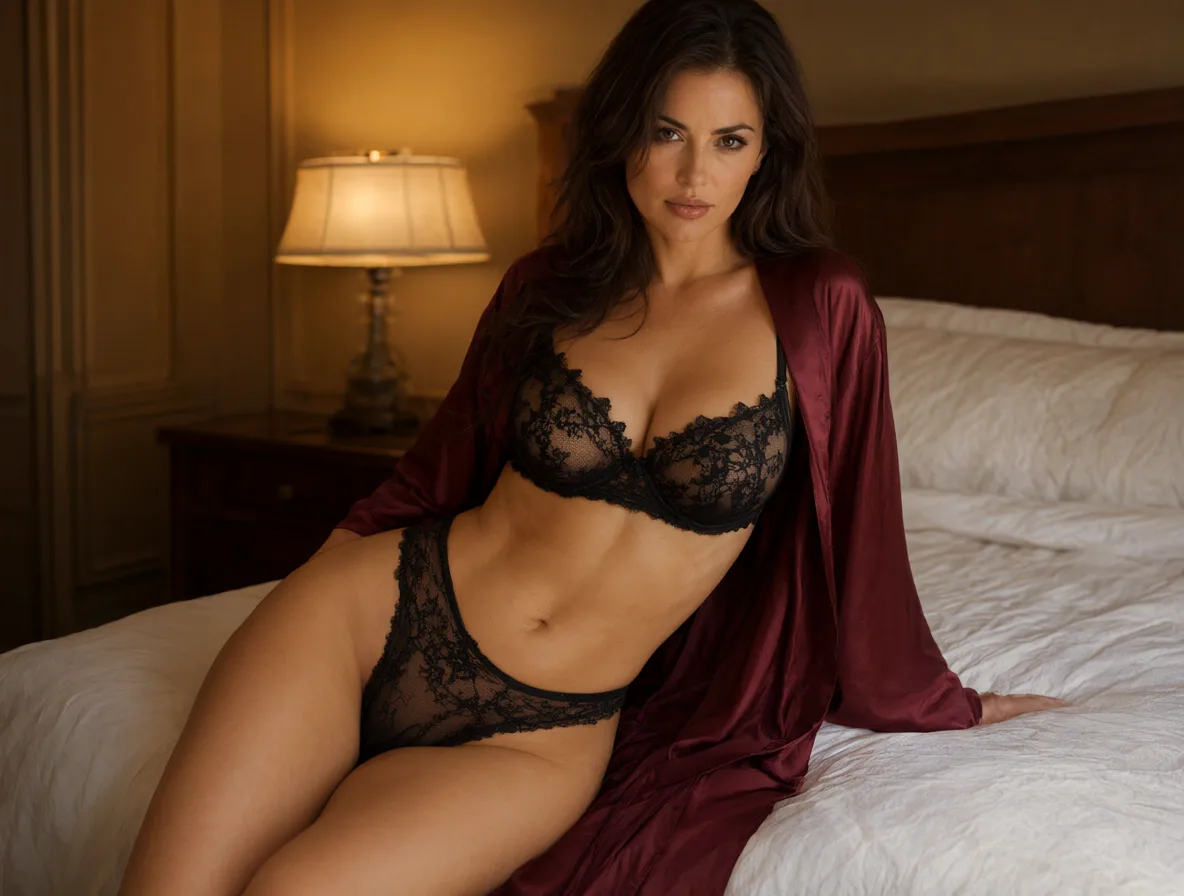
NSFW AI image generator: build a composition from text
Describe the adult subject, setting, light and framing before adding decorative detail. For example, an editorial portrait in a dark coat beside a window gives the model a coherent starting arrangement.
Review the composition before worrying about animation. Check whether the face, hands and garment edges are readable, and whether the frame has room for the movement you may later request.
Use text-to-image when no starting composition exists and image-to-image when an authorized source already provides the subject or layout. That choice changes what the prompt needs to explain. A still-image task prepares the frame; it does not by itself animate the scene.
Record which task created the accepted still so its provenance remains clear when that image later becomes a video reference.
Return to Wan Spicy for the platform overview; still-image creation and editing remain separate Studio tasks.
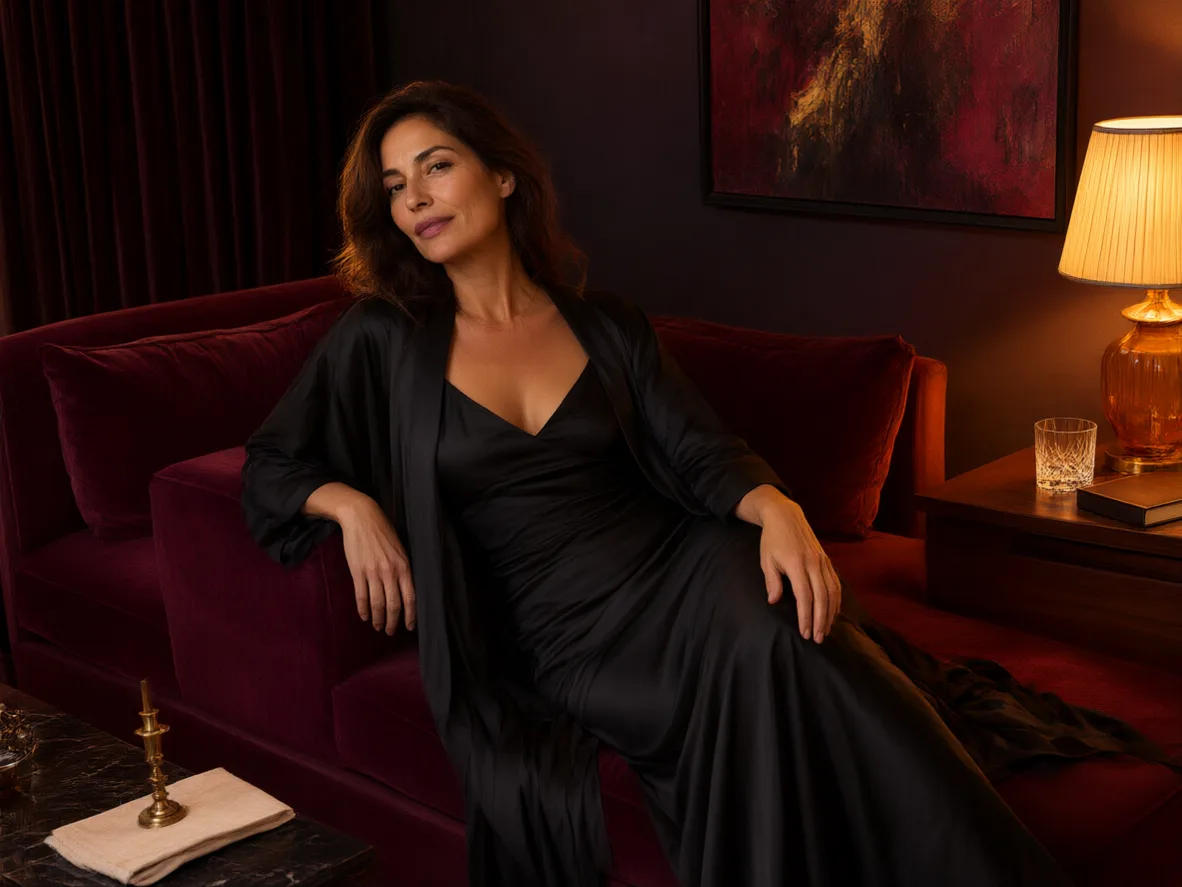
Image-to-image makes a bounded edit
Write an edit ledger with two short lists: what should change and what should remain. “Change the background to a plain studio wall; preserve the pose, coat and framing” is more specific than asking for a better image.
Compare the edited result against both lists. An edit can satisfy the requested change while accidentally altering something that was supposed to remain fixed.
For an edit, list the elements to preserve and the one change you want to make. Record the source, selected model and important controls so the result can be reviewed later. If identity or composition matters, compare the full image rather than focusing only on the changed region.
Use workspace help for upload or task-state issues; the edit brief and preserve/change checklist belong to this guide.
If the edited still will later become a clip, the NSFW photo to video guide provides a separate source-image checklist.
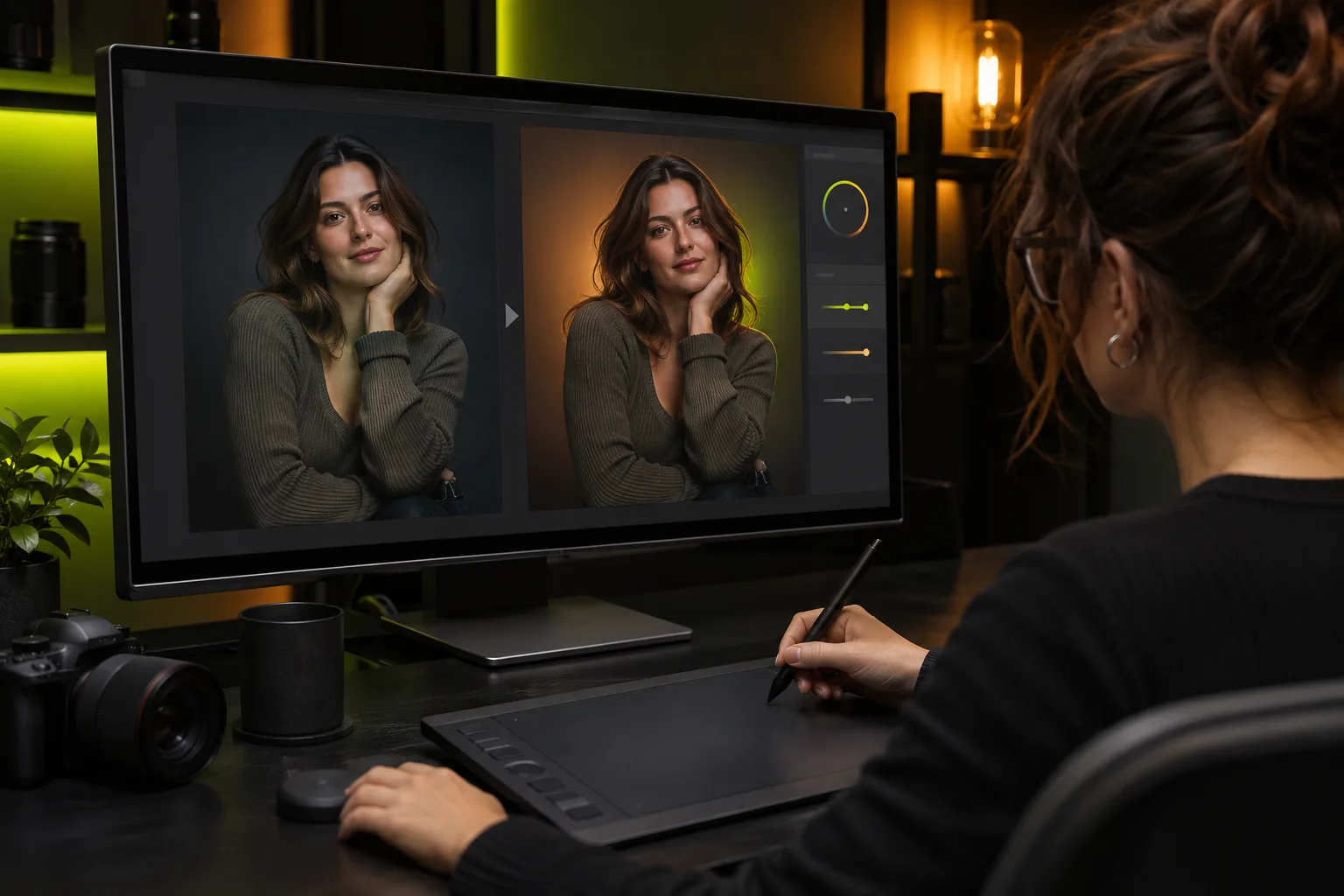
Approve the composition before another edit
Review the still as its own deliverable. Check the requested composition, visible edges and any details that should have remained stable during the edit.
Compare the result with the change-and-preserve lists from your brief. If the background change worked but the pose drifted, record that specific failure before making another edit.
Adult-oriented still creation remains subject to source rights, consent and clear adulthood. Editing does not erase those obligations, and a public photograph does not establish permission for a new intimate depiction. Review the finished still before using it as a video reference.
If you later choose to animate the still, the separate NSFW image to video preparation guide covers that next task; it is outside this image-creation checklist.
Spicy AI image generator controls: choose the task first
The reviewed local setup exposes separate text-to-image and image-to-image tasks. Choose the task first, then use the available selector and settings; do not assume that every model offers identical controls.
Use the selected image task to inspect its current model choices and Credit estimate. The platform homepage introduces the broader service; it does not contain an image or video input form.
Before sending a still to image-to-video, check that the pose is readable, important features are not cut off and the intended motion has room in the frame. Then write a separate motion brief. This handoff keeps image composition decisions distinct from video movement decisions.
Save an accepted still at sufficient quality for the chosen video task and keep a note of the edit that produced it. If the still already contains distorted anatomy or inconsistent lighting, animation can make the problem more visible rather than repair it. Correct source issues before spending video Credits.
A still-image result can be useful without being suitable for every later use. Check whether the subject is clearly adult, whether the source rights cover the planned processing, and whether the final composition exposes private or identifying information that is not needed for the scene.
For image-to-image edits, compare the output with the authorized source at full size. Look for unintended face changes, extra limbs, text artifacts and background details that alter the meaning of the scene. Correct those problems before using the still as a reference for video motion.
For text-to-image creation, save the prompt and settings with the accepted still. A later video result should cite the actual source image, not imply that the video model independently created the original character design. Keeping that provenance clear also helps resolve rights and consent questions.
Download the accepted still in a supported format and verify that the file opens before moving to video. Keep the original authorized source separately when an edit must later be traced or corrected.
Check current Credit estimates for the selected image task before planning several revisions.
The Wan Spicy models index separates still-image workflows from video entries; use the image task when that is your intended output.
QUESTIONS, ANSWERED
Frequently asked questions
What is the difference between text-to-image and image-to-image?
Text-to-image establishes a still from a written brief. Image-to-image uses an existing image as part of an edit or transformation request.
Should I animate the first image result immediately?
Inspect the composition and small details first. A source problem can remain visible or become more distracting during motion.
Why are some controls absent for a selected model?
Available settings depend on the selected task and model. A control that has no selectable alternatives does not need to become an extra creative decision.
Do I have to create my starting image on Wan Spicy?
No. You can bring an adult photograph or clearly adult anime/AI character when you have the source rights, permissions and necessary consent. Changing the image does not remove those responsibilities.
Do all image models accept the same number of images and settings?
No. Use the input limits, model choices and estimate shown for the selected task. A count or control from one image model is not automatically supported by another. Fixed internal settings do not need to be presented as extra user choices.
Does image-to-image guarantee that a face or pose stays unchanged?
No such guarantee is established here. Separate what should change from what should remain, then inspect both lists against the edited still. Record an unwanted alteration before submitting another attempt.